
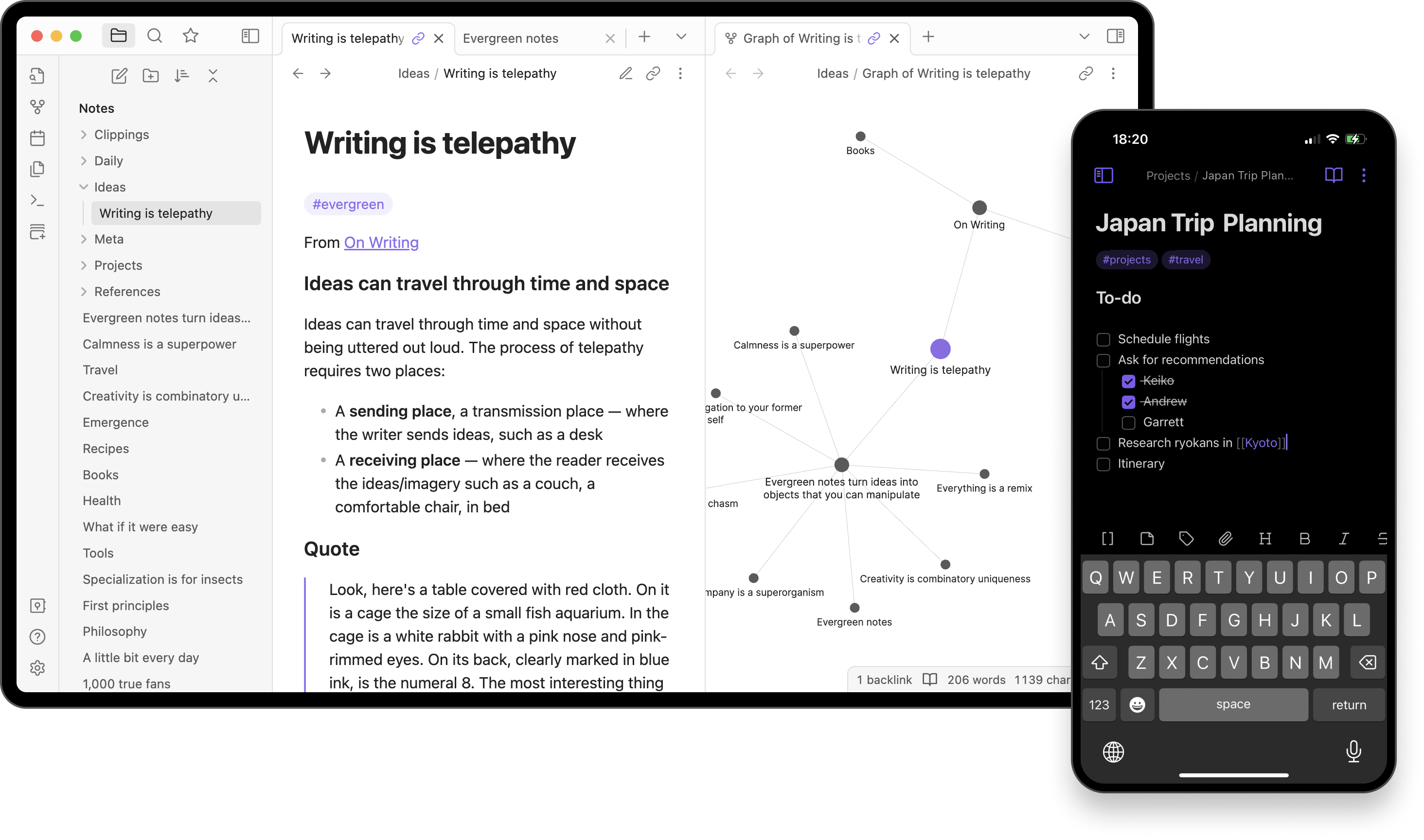
Your Obsidian vault is just a folder full of .md files. Every note, every daily journal entry, every zettelkasten card. It’s all standard markdown sitting in a directory on your Mac.
Sometimes you need to make a quick edit to a note, check something in your vault, or browse a few files without waiting for Obsidian to spin up its full Electron runtime. That’s where mdMD comes in.
What is mdMD?
mdMD is a free, native macOS markdown editor built with SwiftUI and AppKit. It opens any .md file with a split view (raw source on the left, styled preview on the right) and renders everything in real time.
Because it’s a native Mac app (not Electron), it launches in under a second and uses a fraction of the memory that Obsidian does. It’s not trying to replace Obsidian. It’s a lightweight companion for when you just need to quickly open, read, or edit a markdown file.
Why use mdMD alongside Obsidian
Quick edits without the overhead. Obsidian is a powerful tool, but it’s a full knowledge management system built on Electron. If you just need to fix a typo in a note or check a piece of information, launching Obsidian (and waiting for all your plugins to load) is overkill. mdMD opens instantly.
Lower resource usage. If you’re running Obsidian alongside a browser, a code editor, and other apps, your Mac is already working hard. mdMD uses a fraction of the CPU and memory since it’s built with Apple’s native frameworks.
Finder integration. Right-click any .md file in your vault and open it directly in mdMD. You can even set mdMD as the default app for .md files so a double-click opens them instantly, without routing through Obsidian.
Multi-tab across vaults. mdMD supports multi-tab editing with Cmd+1 through Cmd+9 to switch between open files. Open notes from different vaults (or any other markdown files) side by side.
How to open Obsidian vault files in mdMD
Your Obsidian vault is typically stored at a path like ~/Documents/ObsidianVault/ or wherever you set it up. Since every note is a plain .md file, you can open them directly:
- From Finder. Navigate to your vault folder, right-click any
.mdfile, and choose Open With > mdMD. - Drag and drop. Drag a
.mdfile onto the mdMD icon in your Dock or Applications folder. - Set as default. Right-click any
.mdfile, choose Get Info, select mdMD under “Open with,” and click Change All. Now every.mdfile opens in mdMD by default.
Any changes you save in mdMD write directly back to the file. When you open Obsidian later, your edits are already there. No syncing, no importing, no conflicts.
A note about Obsidian-specific syntax
Obsidian extends standard markdown with features like [[wikilinks]], ![[embeds]], and %%comments%%. These are Obsidian-specific and not part of the CommonMark spec.
mdMD uses the swift-markdown parser for full CommonMark compliance, so Obsidian-specific syntax will render as raw text rather than interactive links or embeds. For standard markdown content (headings, bold, italic, code blocks, lists, checkboxes, links), everything renders perfectly.
If your vault notes are mostly standard markdown (which most are), mdMD handles them without any issues.
mdMD features Obsidian users will like
Split view editing. See your raw markdown and rendered preview side by side, updating in real time. Great for checking how your notes will look.
Interactive checkboxes. Click to toggle task list items directly in the editor. If you use - [ ] task lists in your vault, they work as clickable checkboxes in mdMD.
Slash commands. Type / at the start of any line to quickly insert headings, lists, code blocks, and more. Familiar if you’ve used Obsidian’s slash command palette.
Rich HTML copy. Press Cmd+Shift+C to copy your document as rich HTML. Paste it into Notion, Google Docs, Confluence, email, or any rich-text editor with perfect formatting. Useful for sharing vault notes with people who don’t use markdown.
Keyboard shortcuts. Cmd+B bold, Cmd+I italic, Cmd+E inline code, Cmd+K link. Everything feels native because it is.
Try it
If you keep an Obsidian vault on your Mac, give mdMD a try as a quick-access companion. Download it for free at mdmd.app. It requires macOS 14 Sonoma or later.
Open a note from your vault, make a quick edit, and close it. No plugins to configure, no workspace to load. Just fast, native markdown editing.